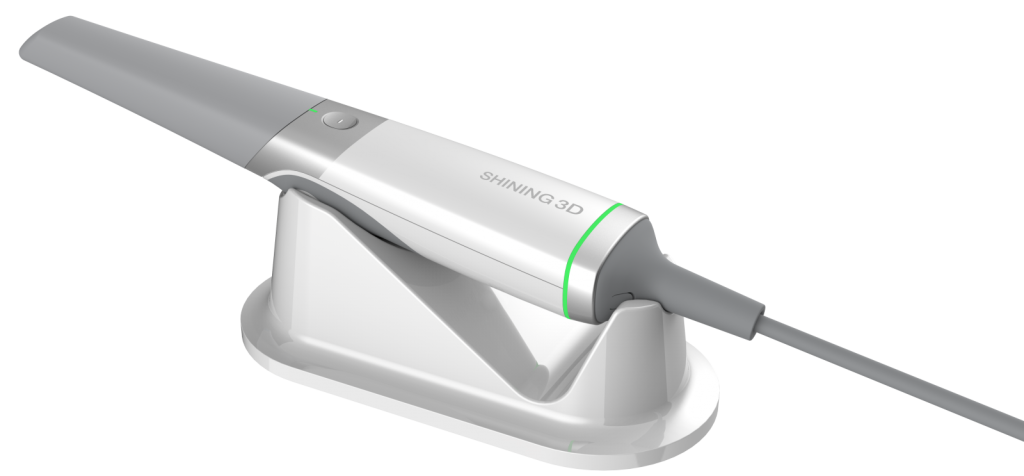
Aoralscan 3 by SHINING 3D®

- Navigate to the “user” icon in the top right-hand corner of the screen
- Make sure you are on the “Connections” tab
- Click on the “+ New” icon
- Search for and select “Nextdentallab.com Florida”
- Click on the check mark to submit the connection request
- Next Dental Lab will approve the connection request and it will be in your list of “targets”
Aoralscan 3 is a product of SHINING3D
Element® by iTero

- Login to your iTero/Align Tech Doctor’s portal
- Navigate to “Add Preferred Lab” and input our lab’s Company ID (49137) to connect your practice with Next Dental Lab directly.
- If any issues appear, please call iTero’s support line directly to set up Next Dental Lab as your “Preferred Lab” – simply give them our Company ID (49137) and they will connect your practice with our lab directly.
iTero Element is a product of Align Technology Inc.
Trios® by 3Shape

- Login to your 3Shape Communicate account
- Navigate to “More” and then select “Settings”
- In the menu, select “Connections” then “Labs” and then “Add”
- Click on “Add Connections”
- Type in our digital department’s email address: digital@nextdentallab.com
- Next Dental Lab will be shown. Click “Connect”
Trios is a product of 3Shape
Cerec Primescan™ by Dentsply Sirona®

- Login to your Sirona Connect Doctor’s Portal and navigate to “Add”
- Now under “My Account,” click on “My Favorite Laboratories”
- Click on “Search Labs”
- Enter Next Dental Lab in the Company Name field
- If you can’t find us you may also search by location – select “United States” and then enter Next Dental Lab’s Florida zip code: “33442”
- Find Next Dental Lab and click on the plus sign in the “Add” column all the way to the right
- Your scans are ready to be sent right away – just choose Next Dental Lab from your drop down menu.
CEREC is a product of Dentsply Sirona
Medit i500/i700 by Medit Link®

- Sign in through your Medit Link account
- Click on “Partners” in the left-hand column
- Select “Search for Partners” at the top
- Click in the search bar and type in our digital department’s email address: digital@nextdentallab.com
- Next Dental Lab will populate. Select our lab to add us as a partner
Medit i500/i700 is a product of Medit
CS3600, 3700, and 3800 by Carestream®
 Login to your CS Connect Doctor’s Portal
- In the toolbar on the top-right of your screen, click on the “Partners” icon
- In the “Partners” window, click “Add a Partner”
- In the email field, enter the email address for Next Dental Lab: info@nextdentallab.com
- Click “Send” – your invitation will now be sent to Next Dental Lab and a new “Partner” entry will be created in your list of “Partners”.
- Our digital department will accept your invitation and you can.

CS scanners are a product of Carestream Dental
Heron™ IOS by 3DISC®

- Log on to your HeronClinic™ account
- Add Next Dental Lab as your office’s dental lab of choice in the HeronCloud™ interface by clicking on “Connections” and then “Add Connection”
- Select Next Dental Lab when completing the digital Rx
- The case will be sent to us through the Heron portal
Heron™ IOS is a product of 3DISC